Bookkeeping that just happens.

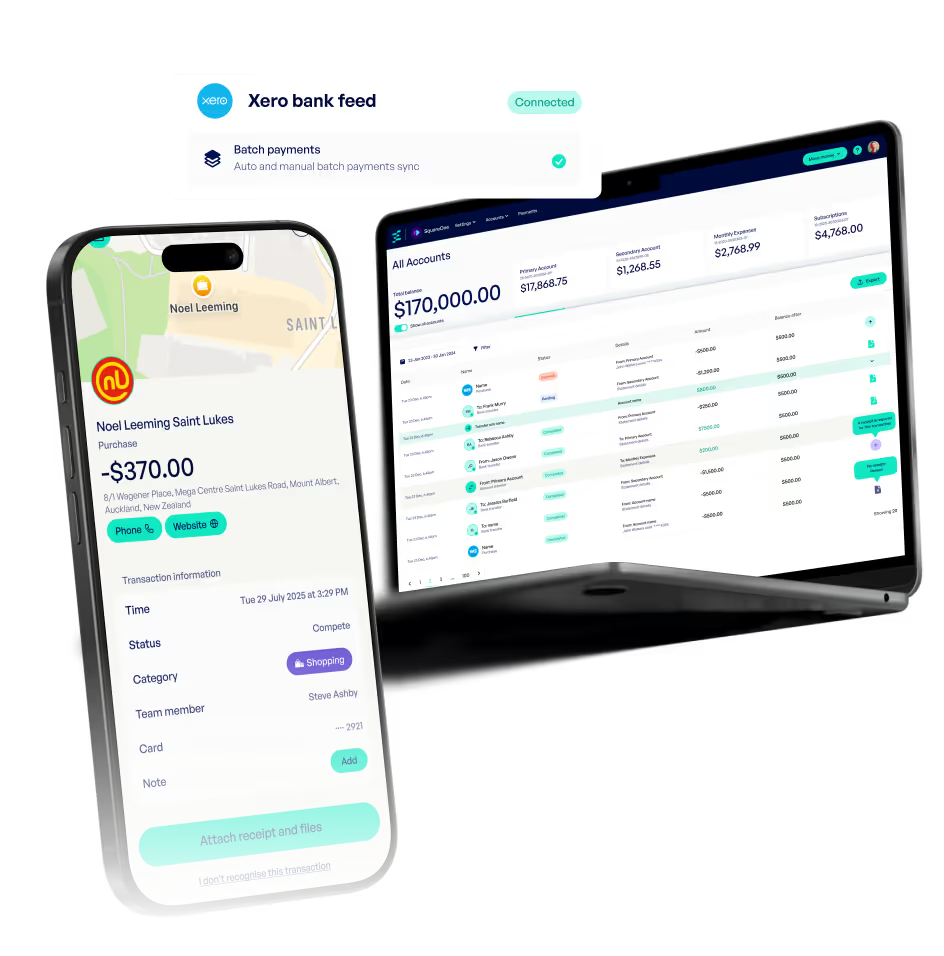
Sync to Xero, snap receipts on the go, and get instant visibility from your mobile or desktop.

Smartphone showing a transaction detail screen for a $370 purchase at Noel Leeming Saint Lukes in Auckland, alongside a laptop displaying an accounting dashboard with account balances and transactions.

Your financial command centre.

Our intuitive web tool gives you a bird’s-eye view of your business, balances, transactions, and receipts all in one place.

  • Real-time dashboard

    See balances, payments, receipts and card activity at a glance.
  • Powerful search

    Filter by name, amount, category or cardholder to find what you need fast.
  • Customisable views

    Tailor your dashboard to show what matters to your business.
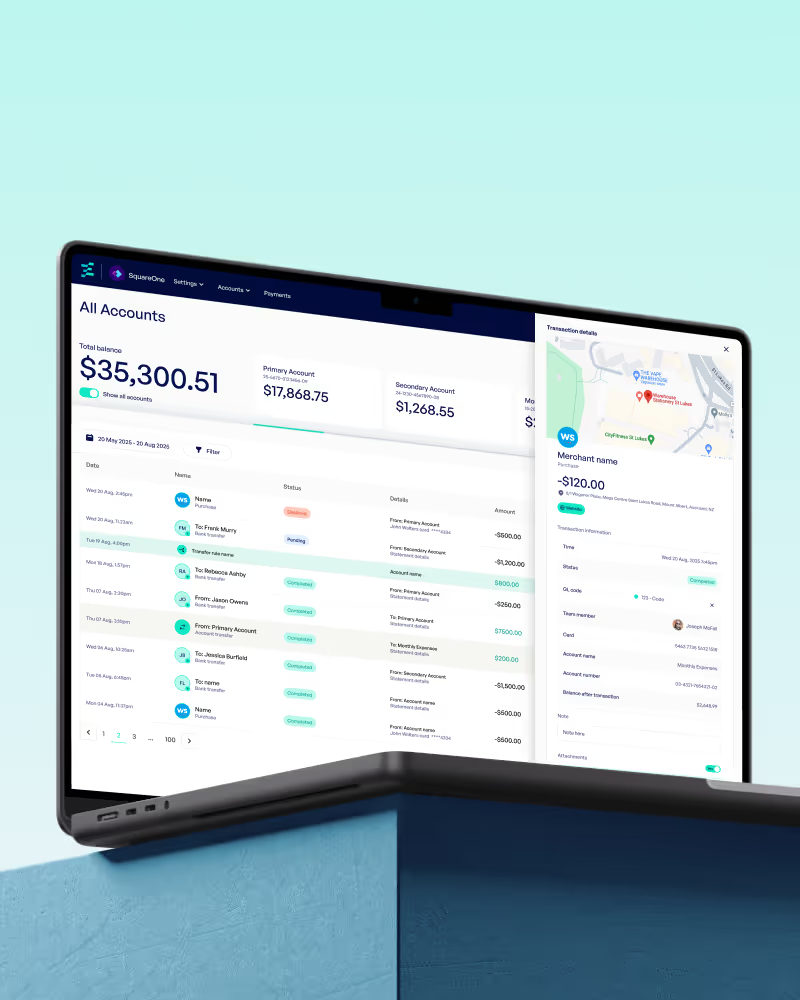
Laptop screen displaying a financial account dashboard showing total balance, account details, transactions list, and transaction details with map.

Made to work with Xero.

Spend, sync, reconcile - no more double-handling.

  • Near-live syncing

    Transactions flow to Xero every few hours, fully mapped.
  • Batch invoice payments

    Pay off multiple Xero invoices in just a few taps.
  • Match-ready reconciliation

    Receipts and GL codes come prepped to match up instantly.

Snap, attach, done.

No more chasing receipts. Team members get automatic reminders to upload.

  • Mobile receipt capture

    Snap in the moment and pin to the right spend.
  • Smart reminders

    Prompted based on amount or merchant type.
  • Web view access

    Quickly review and export from the web dashboard.
Person holding a smartphone over a white table with a receipt, near a cup of coffee.

Flexible for any setup.

Whether you use Xero or another tool, we’ve got you covered.

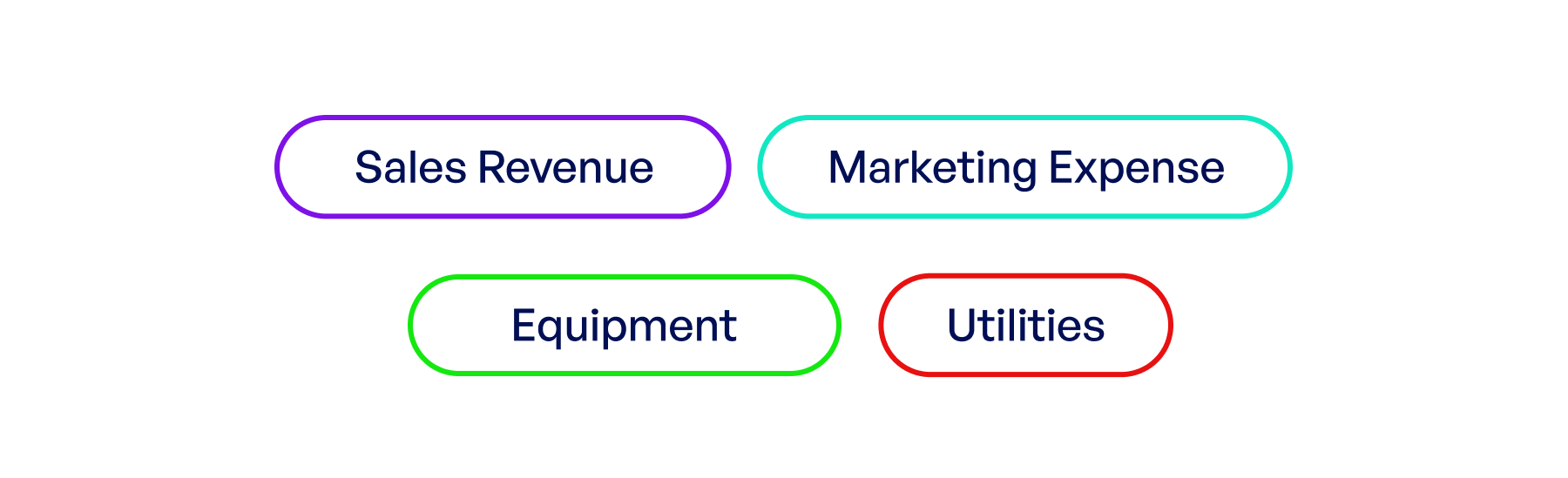
Diagram showing four categories with colored outlines: Sales Revenue in purple, Marketing Expense in teal, Equipment in green, and Utilities in red.

GL coding & tagging

Assign custom categories that map to your chart of accounts.

Two rounded rectangular buttons labeled View transactions in green and Export transactions in white with green border.

Data export options

Filter and export transactions in CSV or PDF to use with any accounting software.

Finance teams love Emerge.

Built to save time, reduce manual work, and make bookkeeping painless.

Download the app

Scan to download the app

Frequently asked questions

What is Emerge?
How is Emerge different from traditional banks?
Is my money safe with Emerge?
How do I open an Emerge account?
How long does it take to get approved?
Is Emerge a bank?
How much does Emerge cost?
What businesses can use Emerge?
What documents do I need to open an account?
Should I use Emerge for my business?